How to Create a Release Page
Before You Start
Before you start, it is recommended that you have a few assets prepared.
- Name of song
- Cover art (800 x 800 px recommended)
- Audio file
Create a Track Product
Open Products > List
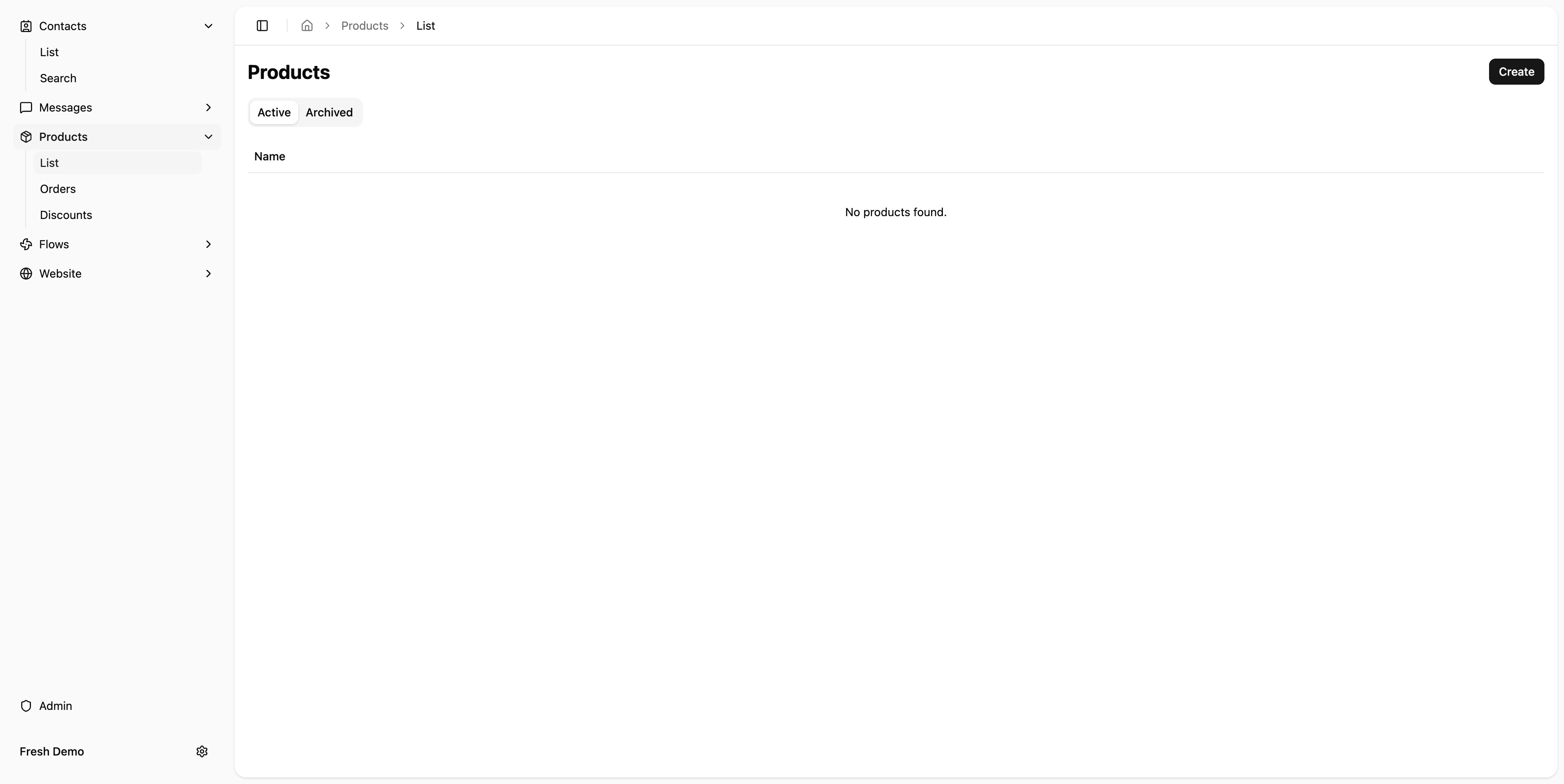
Click Create Button
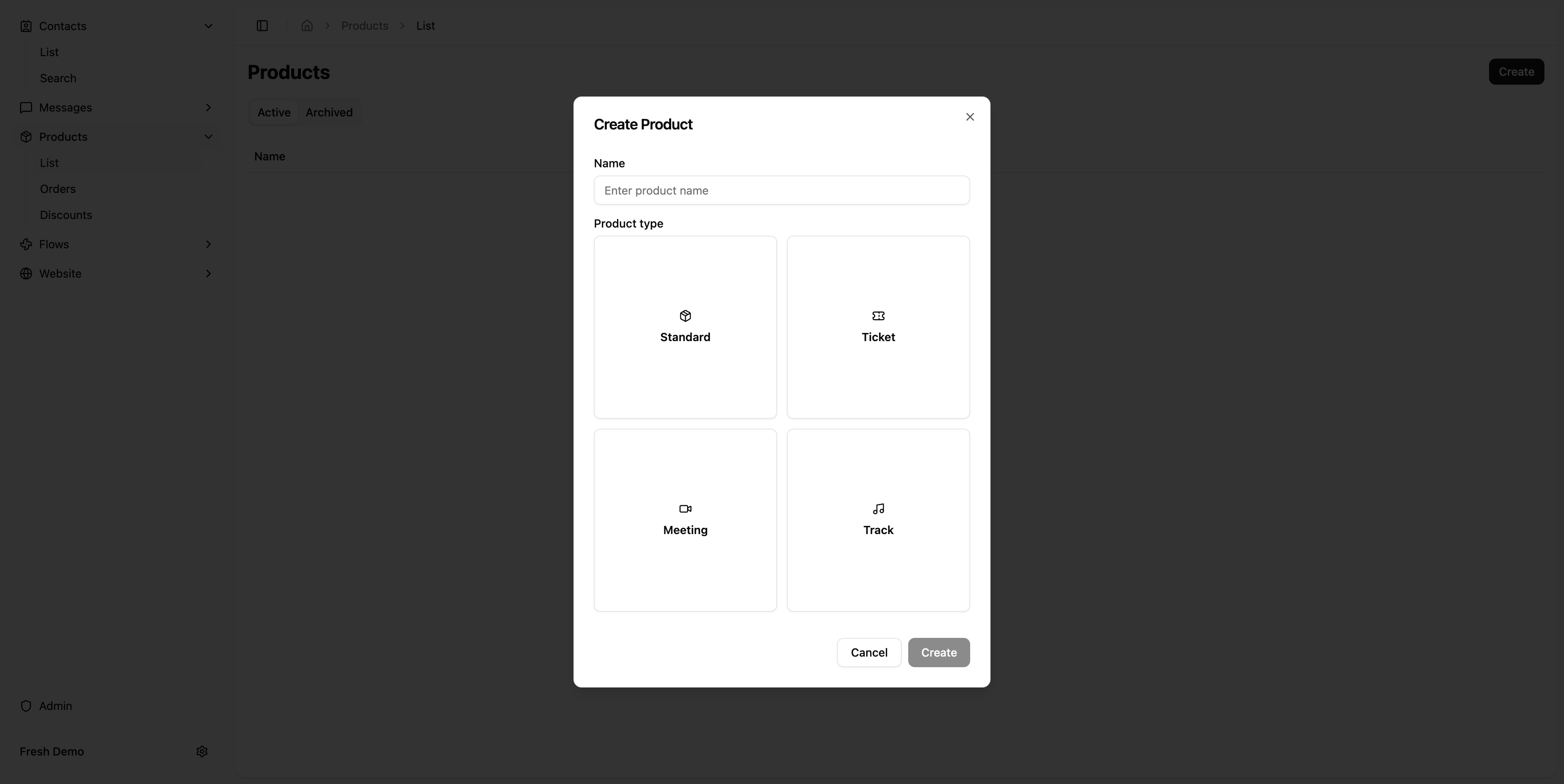
Enter Name
This should be the name of the song as you would like it shown (you can change it afterwards if you need).
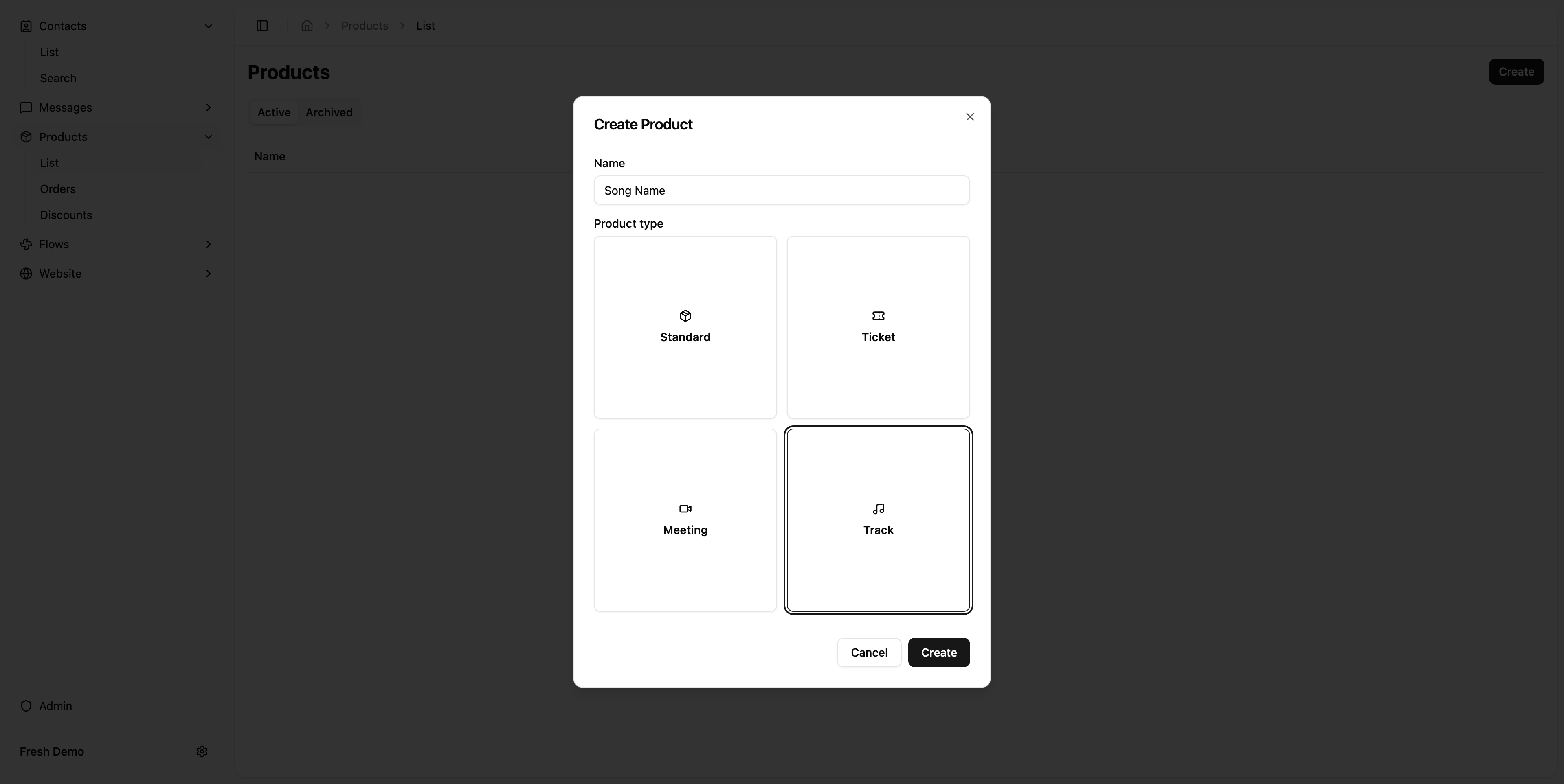
Select Track Product Type
Engram supports several types of Products. The track product streamlines the creation of the release page.
Edit Product Page
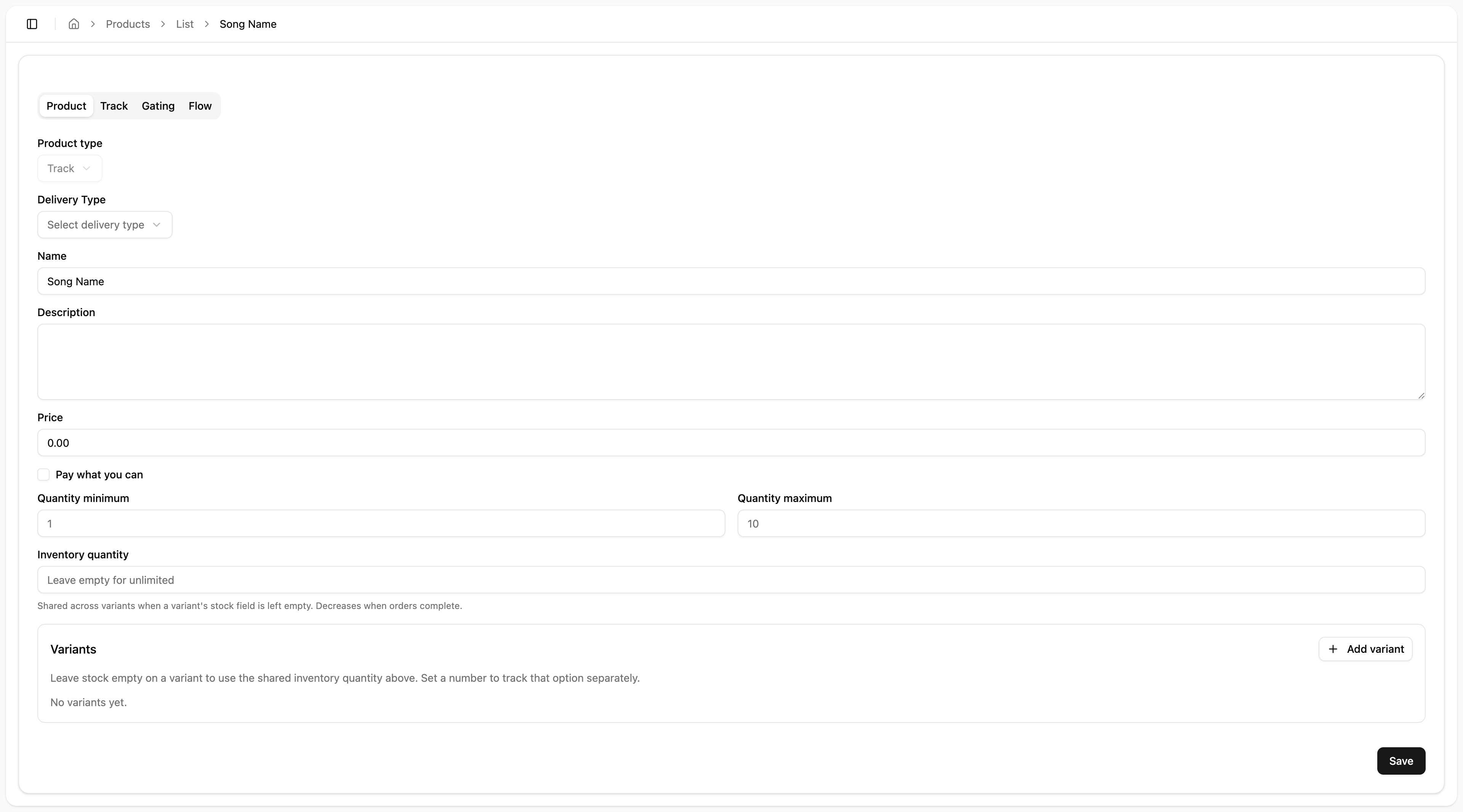
I suspect this "Product" tab will get removed for products of type track.
For now, ignore it and click the Track tab.
Click the "Track" tab
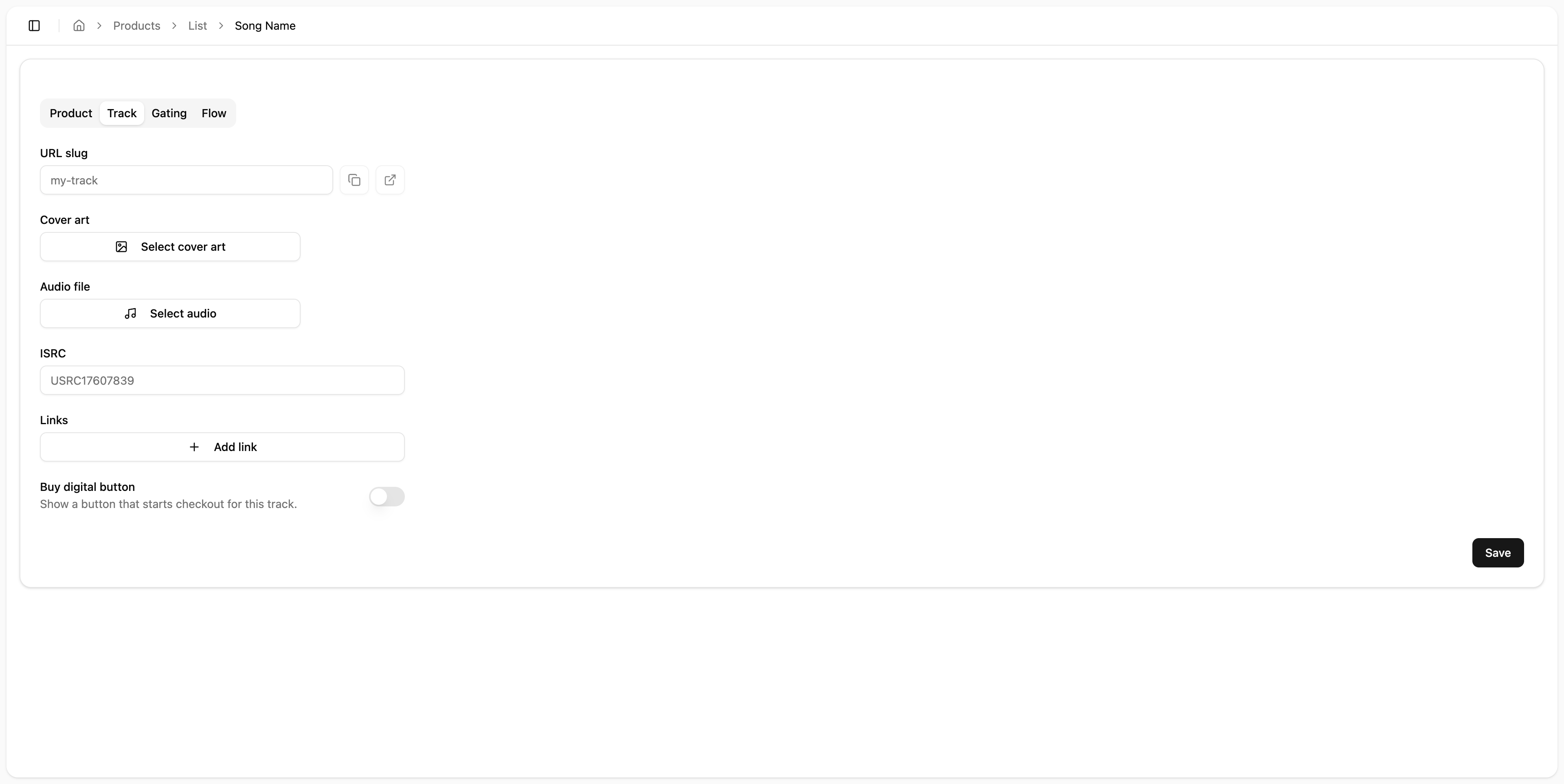
Update URL Slug
TODO: In the future, this will prepopulate automatically based on your song name.
This sets the URL that this page will use. e.g. https://username.engram.sh/song-name
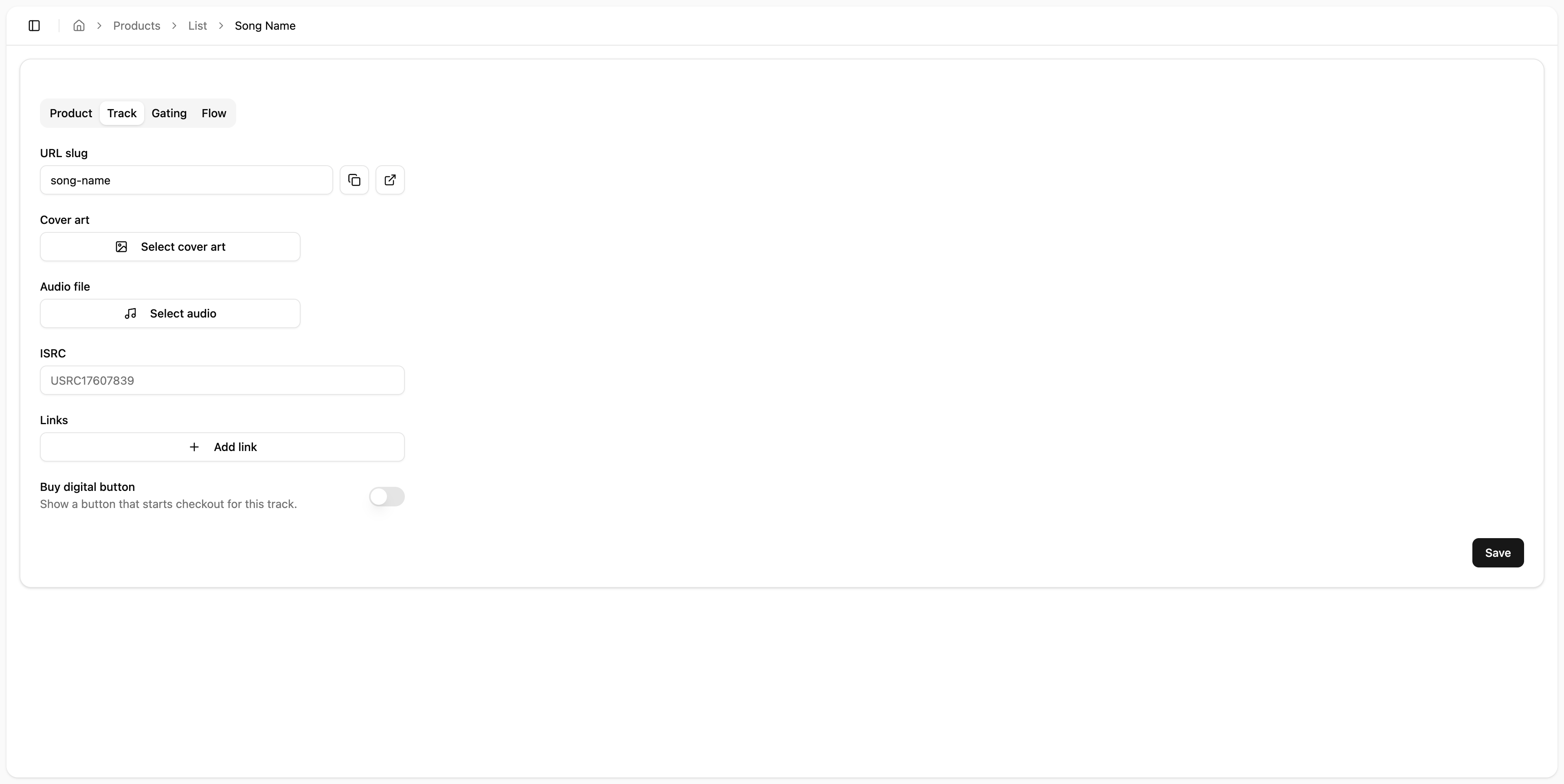
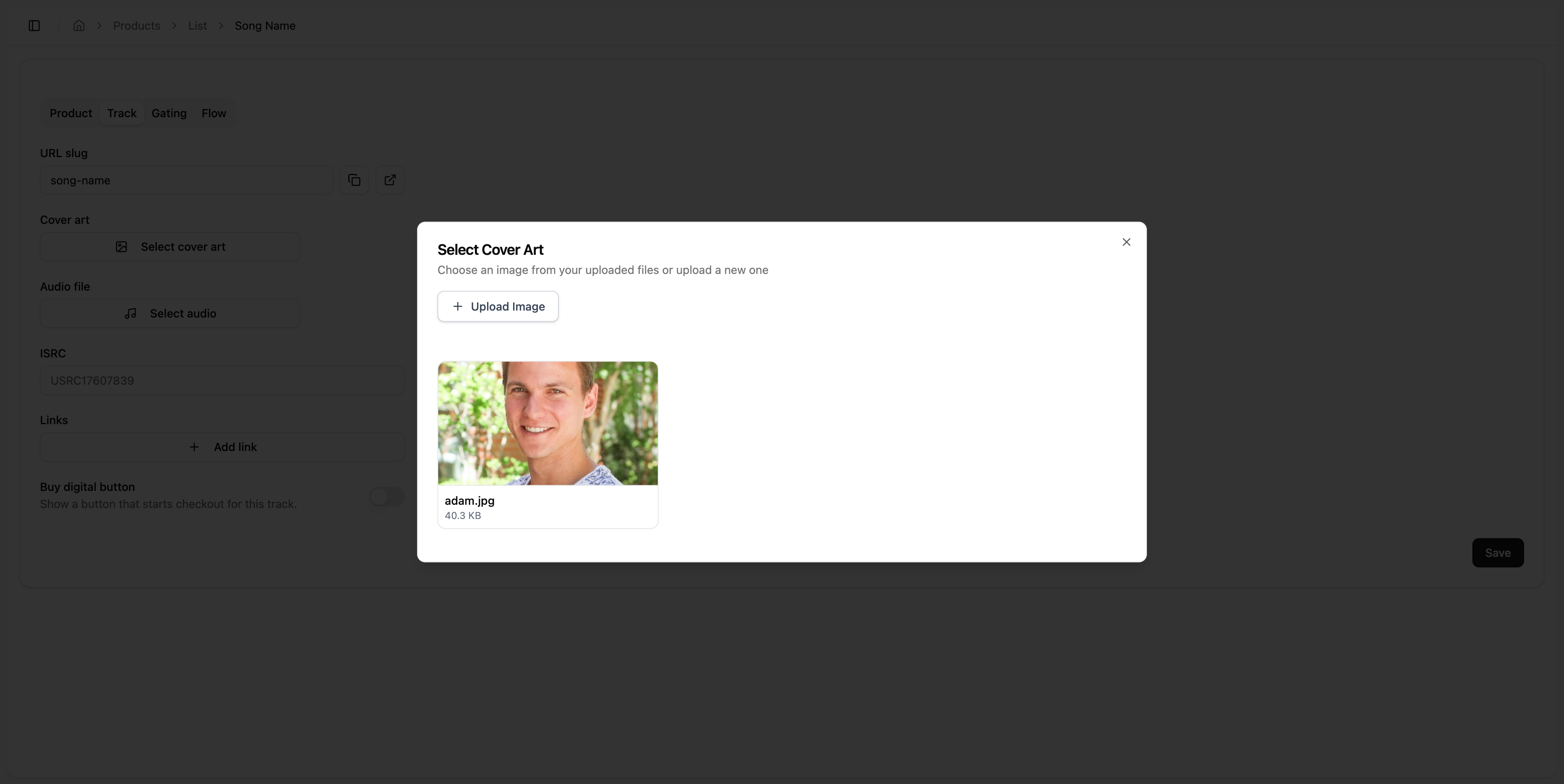
Select Cover Art
Click Select cover art to select or upload an image to use as cover art.
Recommended resolution: 800 x 800 px
This artwork will display in a 1:1 square regardless of the aspect ratio of the image.
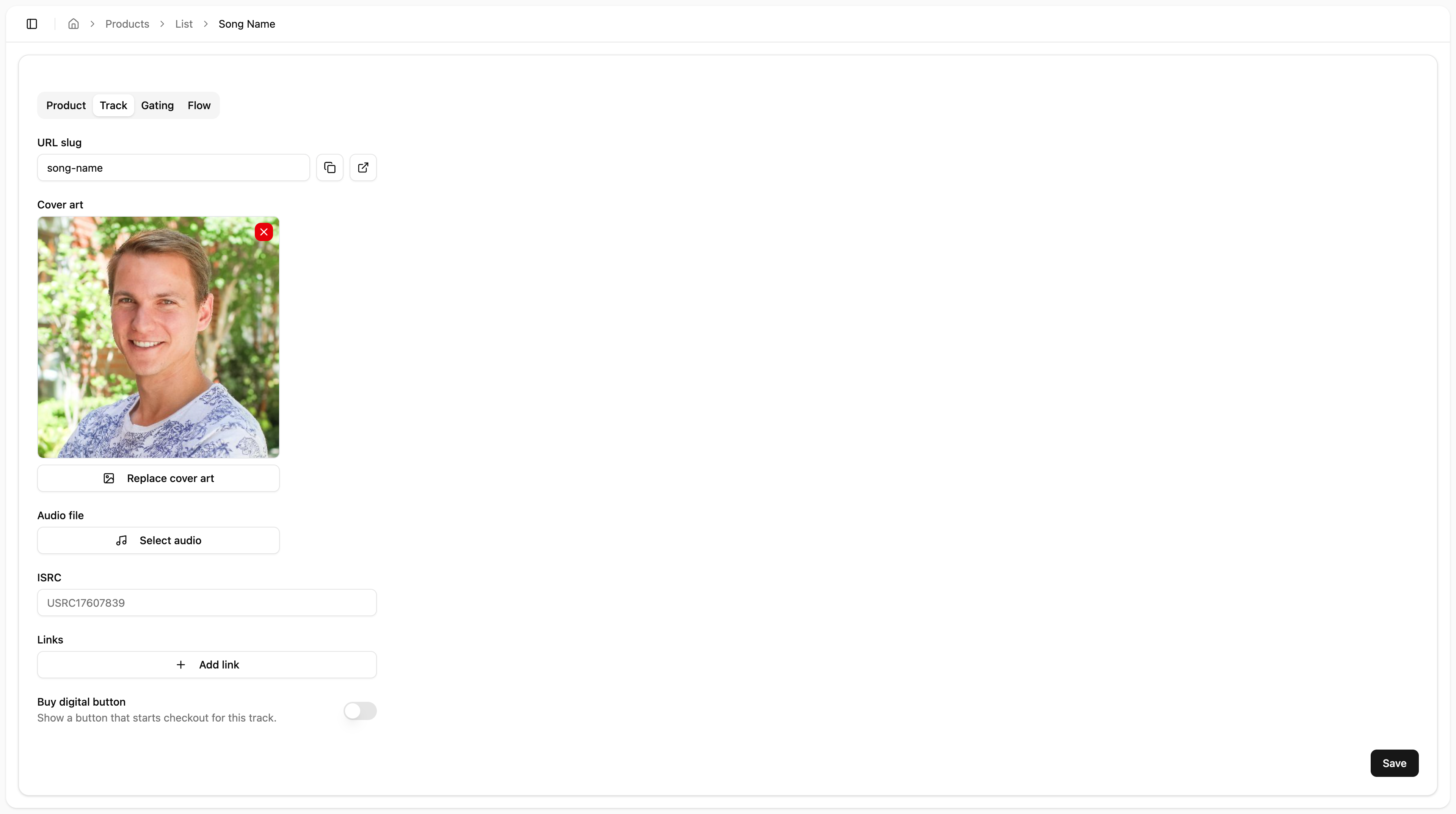
[Optional] Select Audio File
If you are simply linking to other streaming platforms, you can omit the audio file.
You can either put the full song or a preview of the audio file so that someone can listen to the song without having to open any external streaming platform.
This is especially useful when giving people access to a song before it is available on streaming platforms.
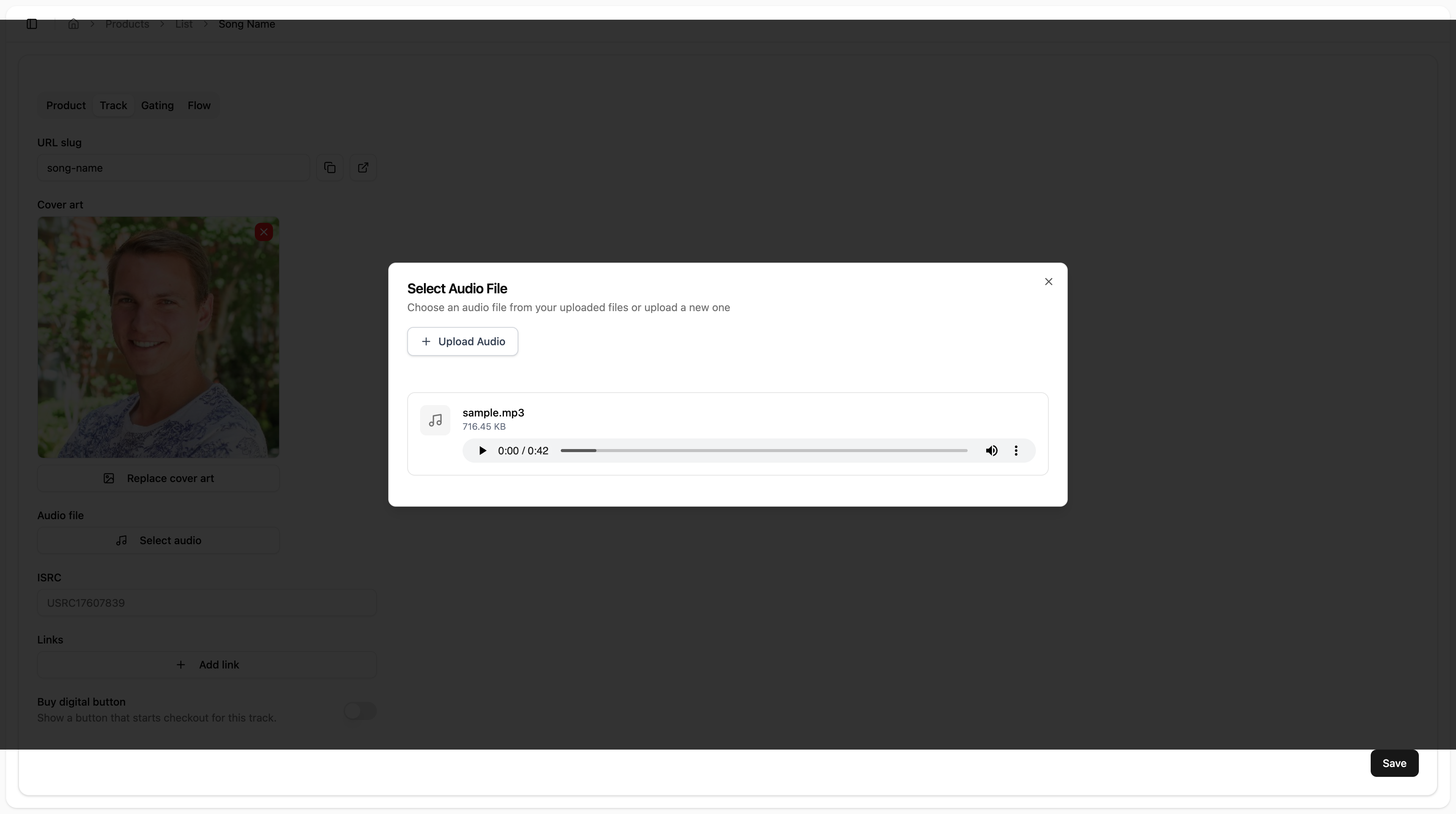
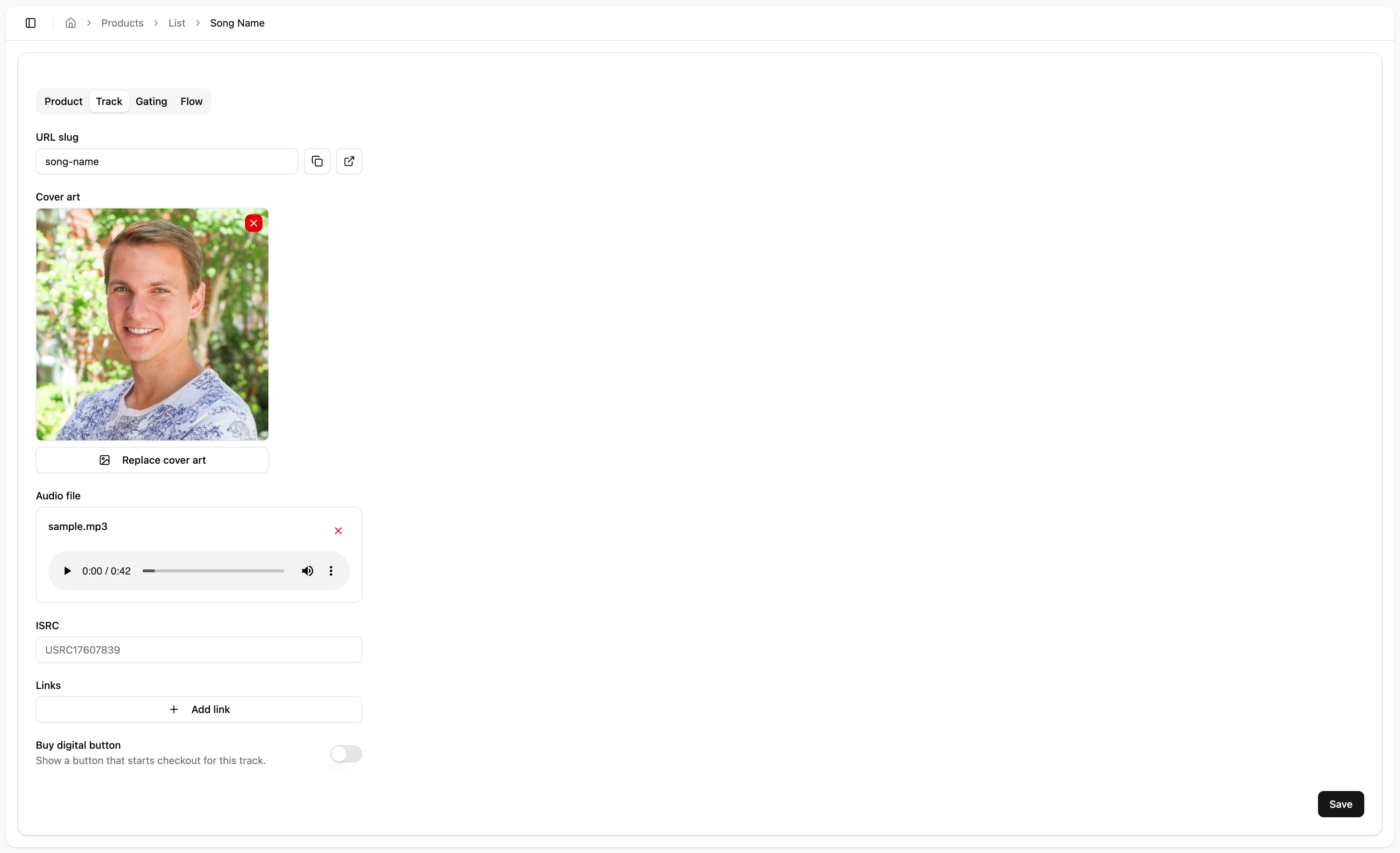
[Optional] Add ISRC Code
If this song has already been released on streaming platforms, you can enter the ISRC number and have it auto-populate the links
[Optional] Add Links
If you would like to link to external streaming platforms (or anywhere else) on the release page, you can add those links here.
[WIP] Buy Digital
TODO I would not recommend using this right now. It technically works, but needs to be more thoroughly thought through in terms of how digital download is accessed and communicated to the buyer.
Gating
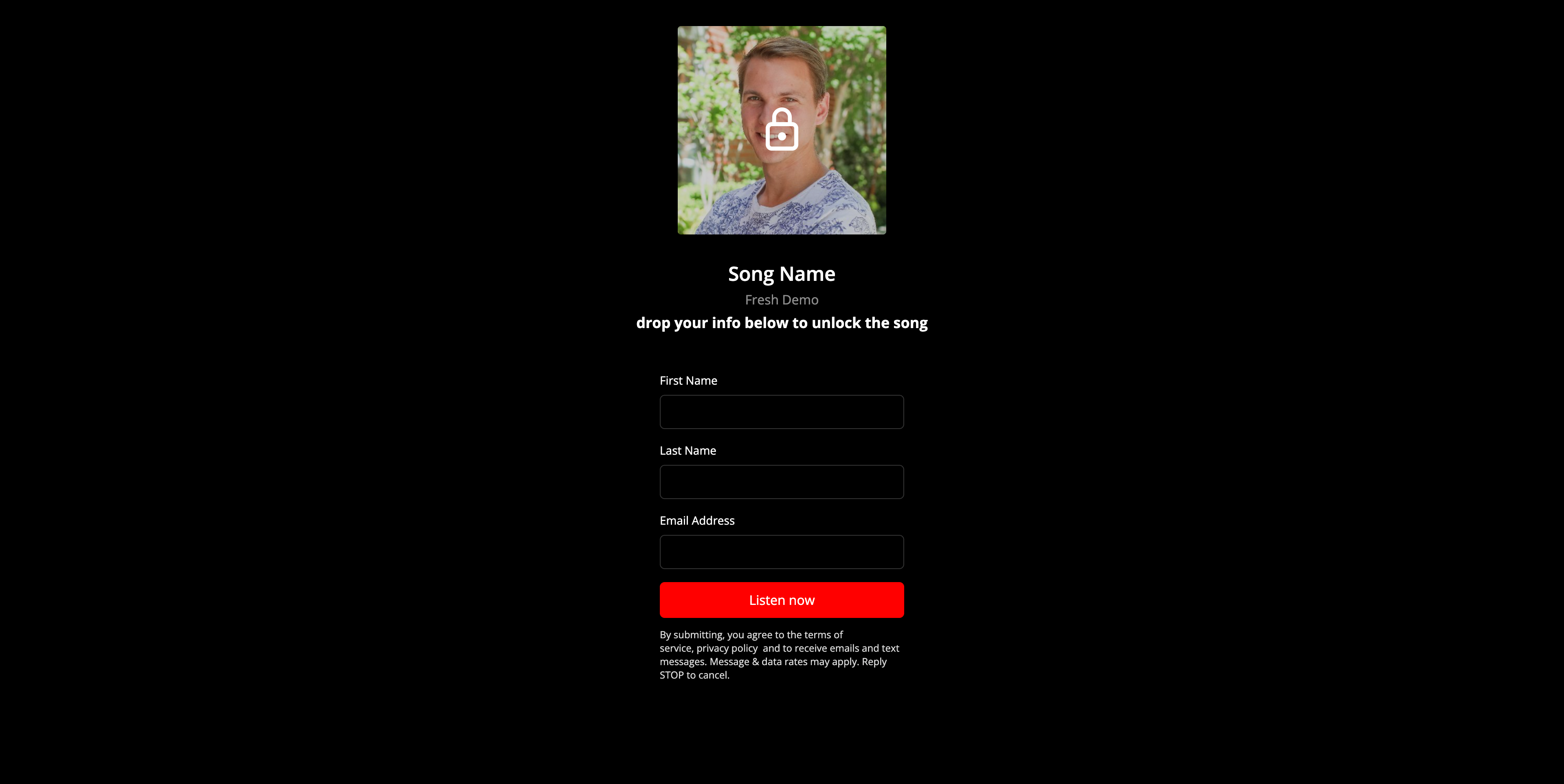
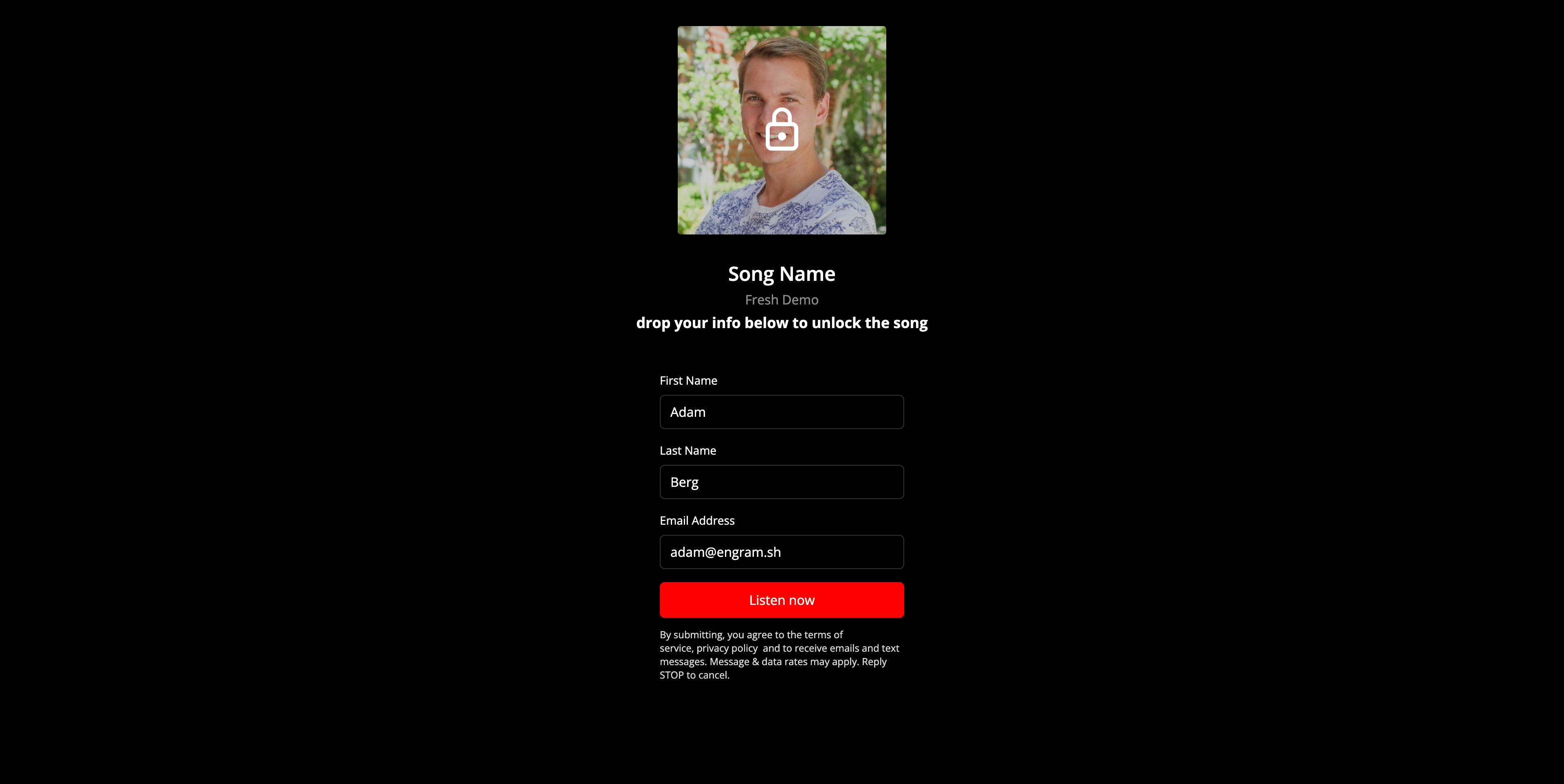
Gating is how you restrict access to something in exchange for contact information.
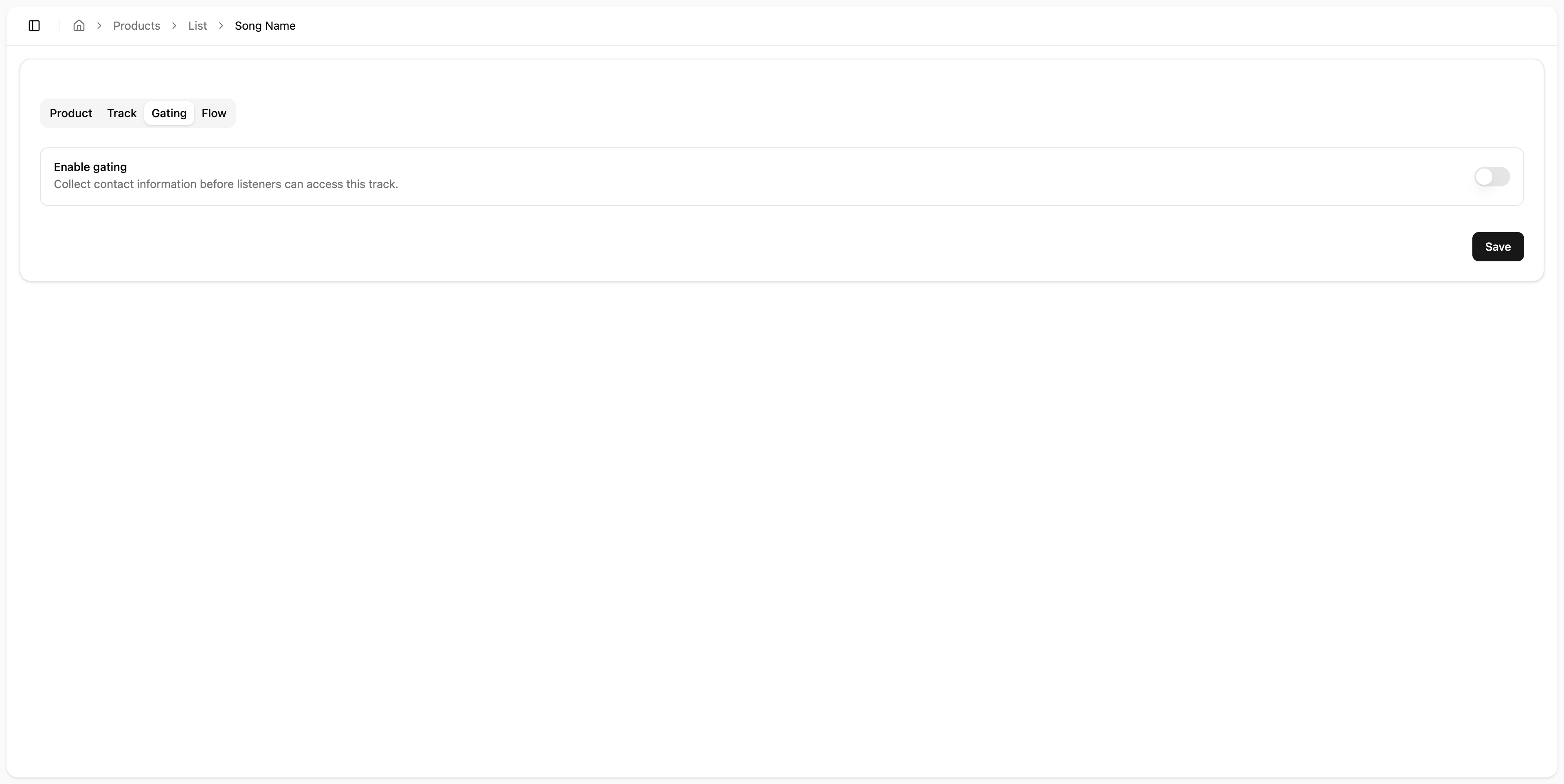
Enable Gating
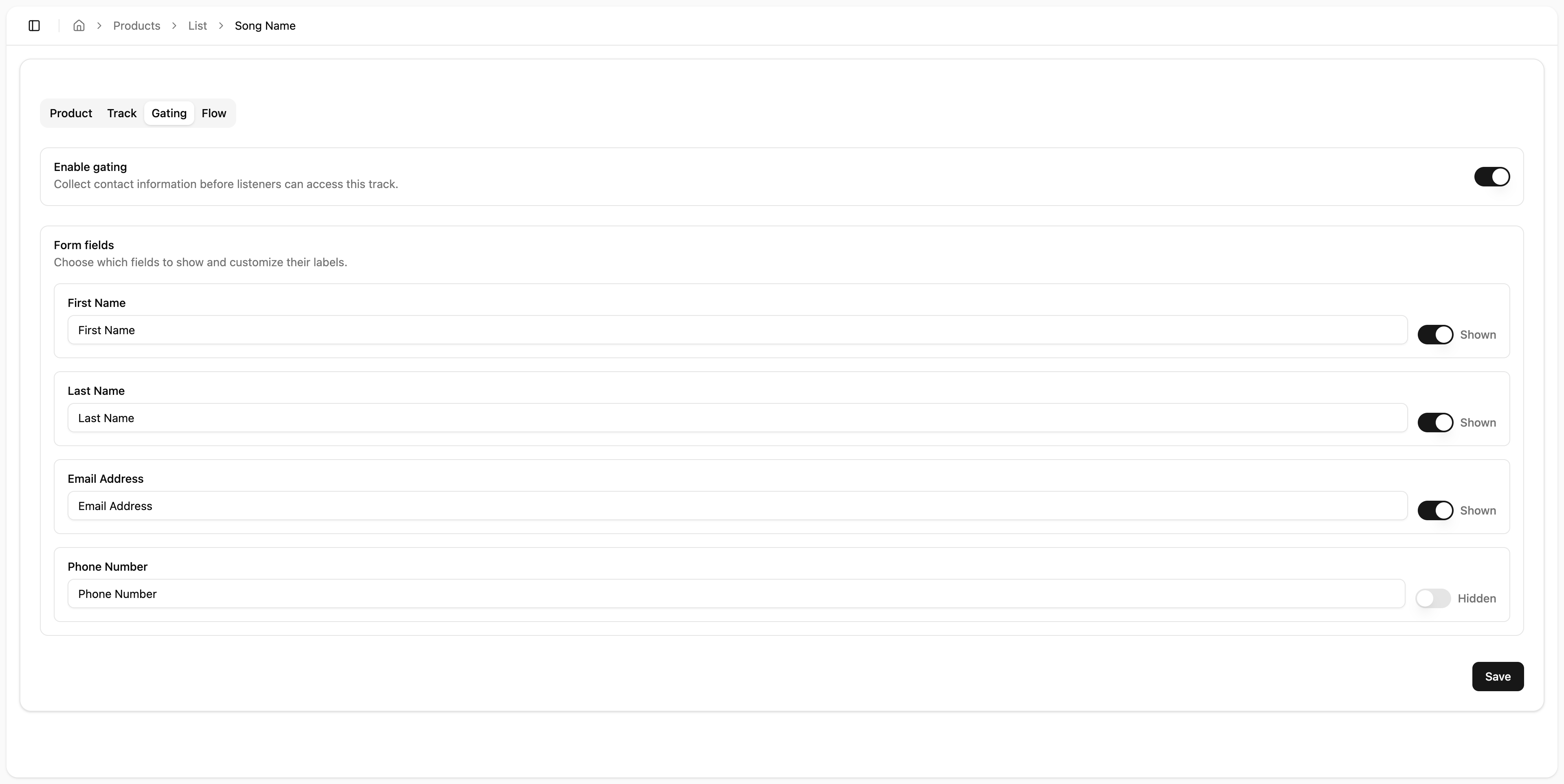
Click Save
TODO: Currently nothing here auto-saves.
Make sure to click save before moving on to the next step
Flow
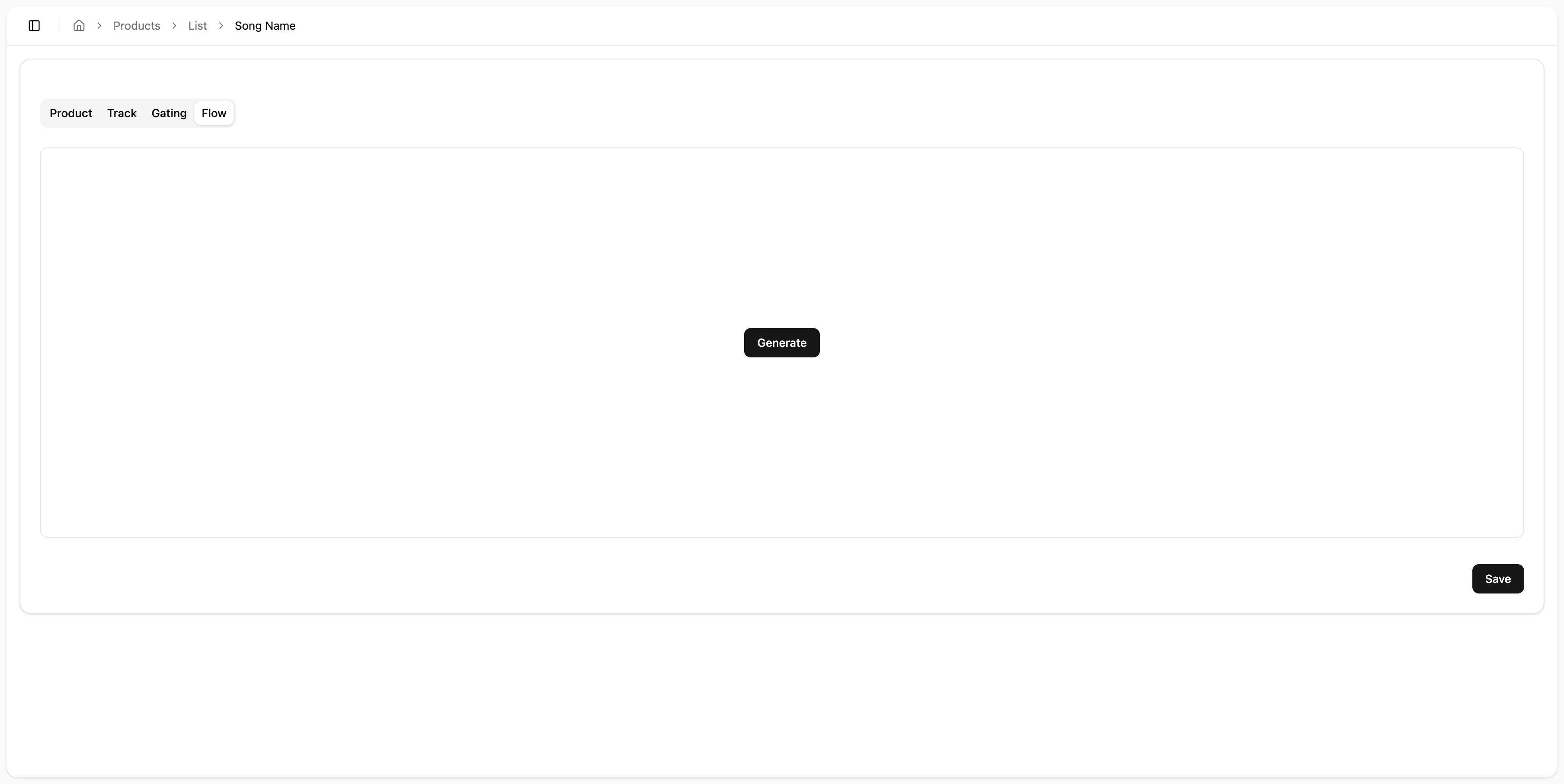
Click Generate
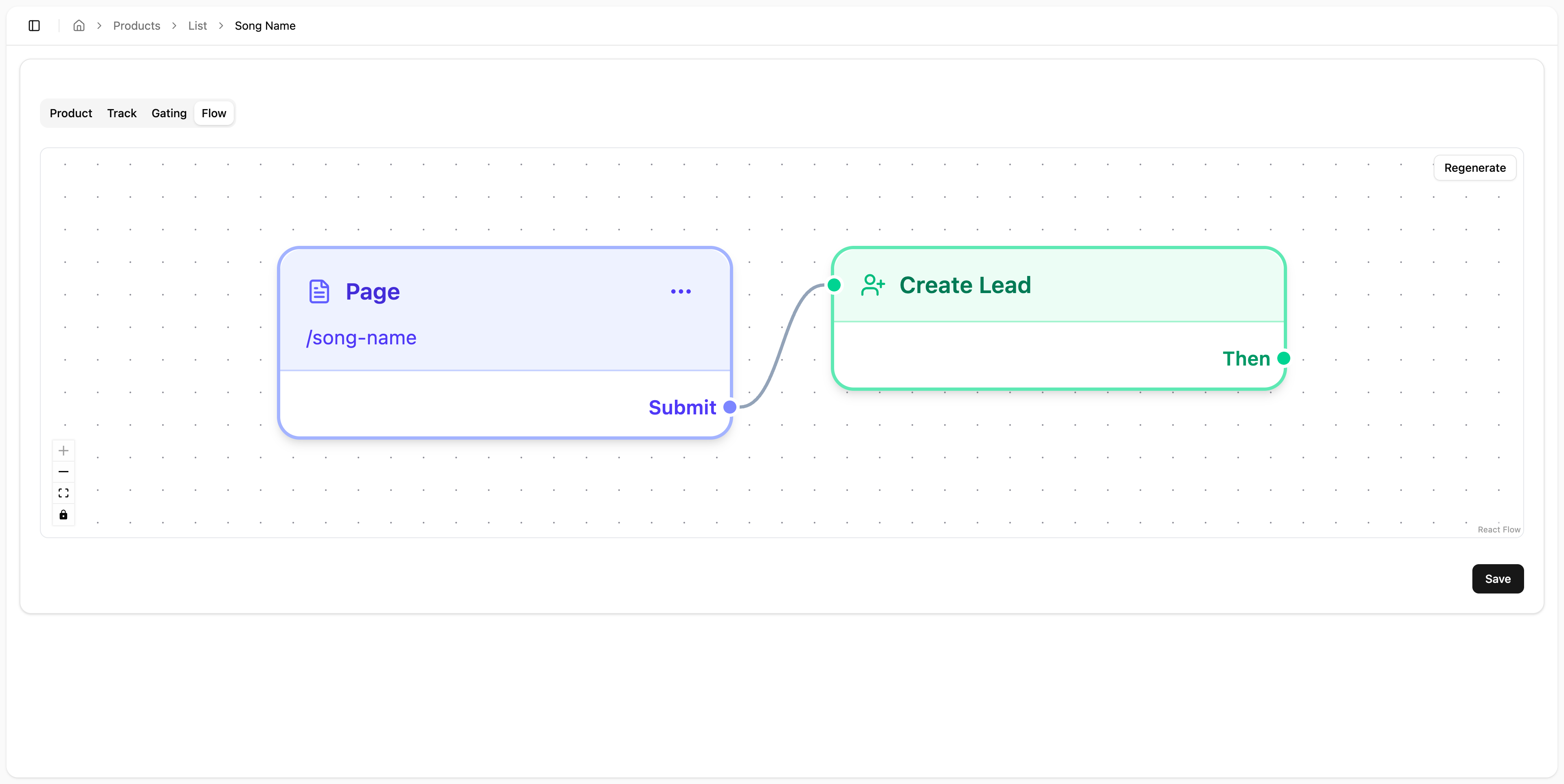
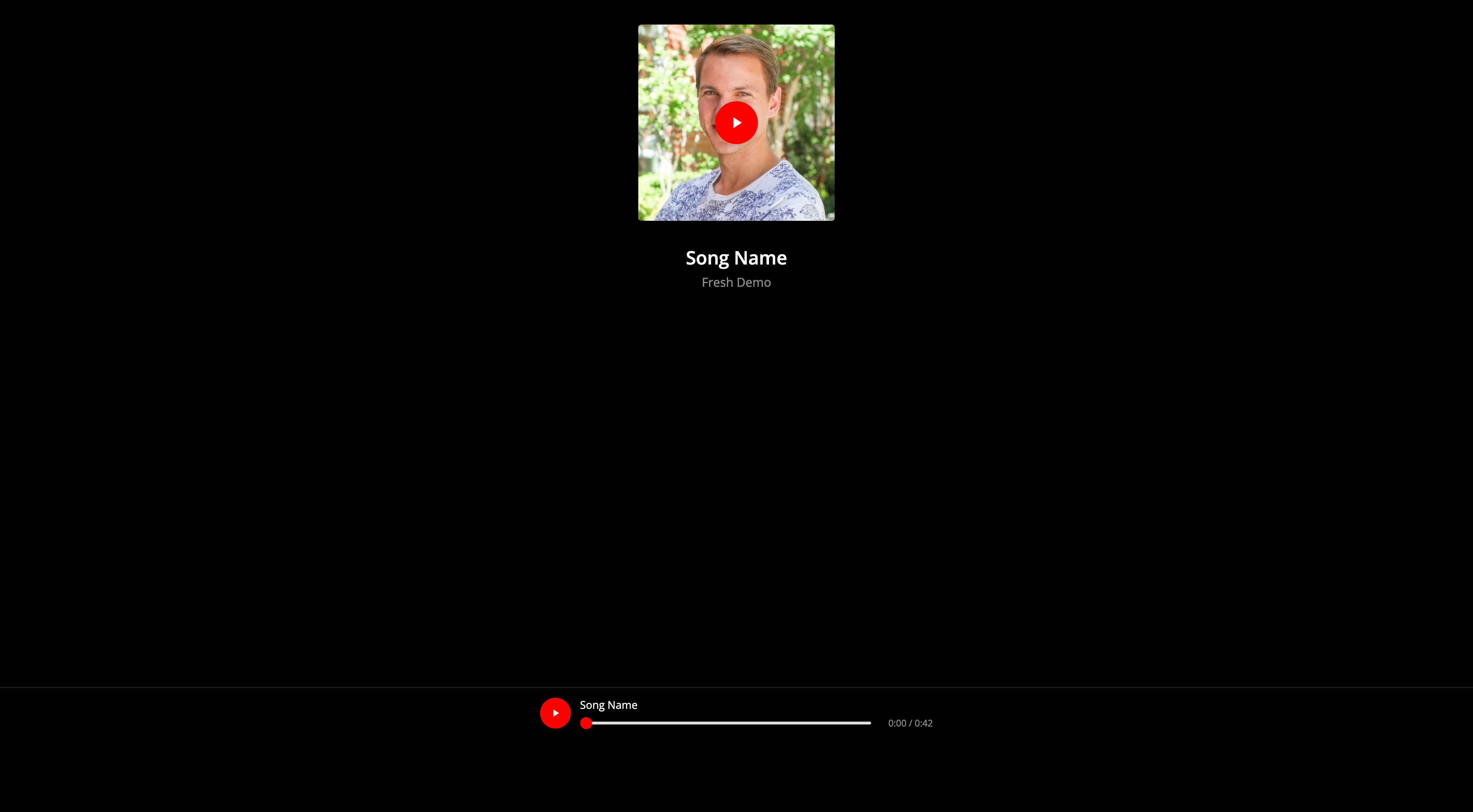
Final Result